

Video on Shopify: Where It Sells, and Where It Just Slows You Down
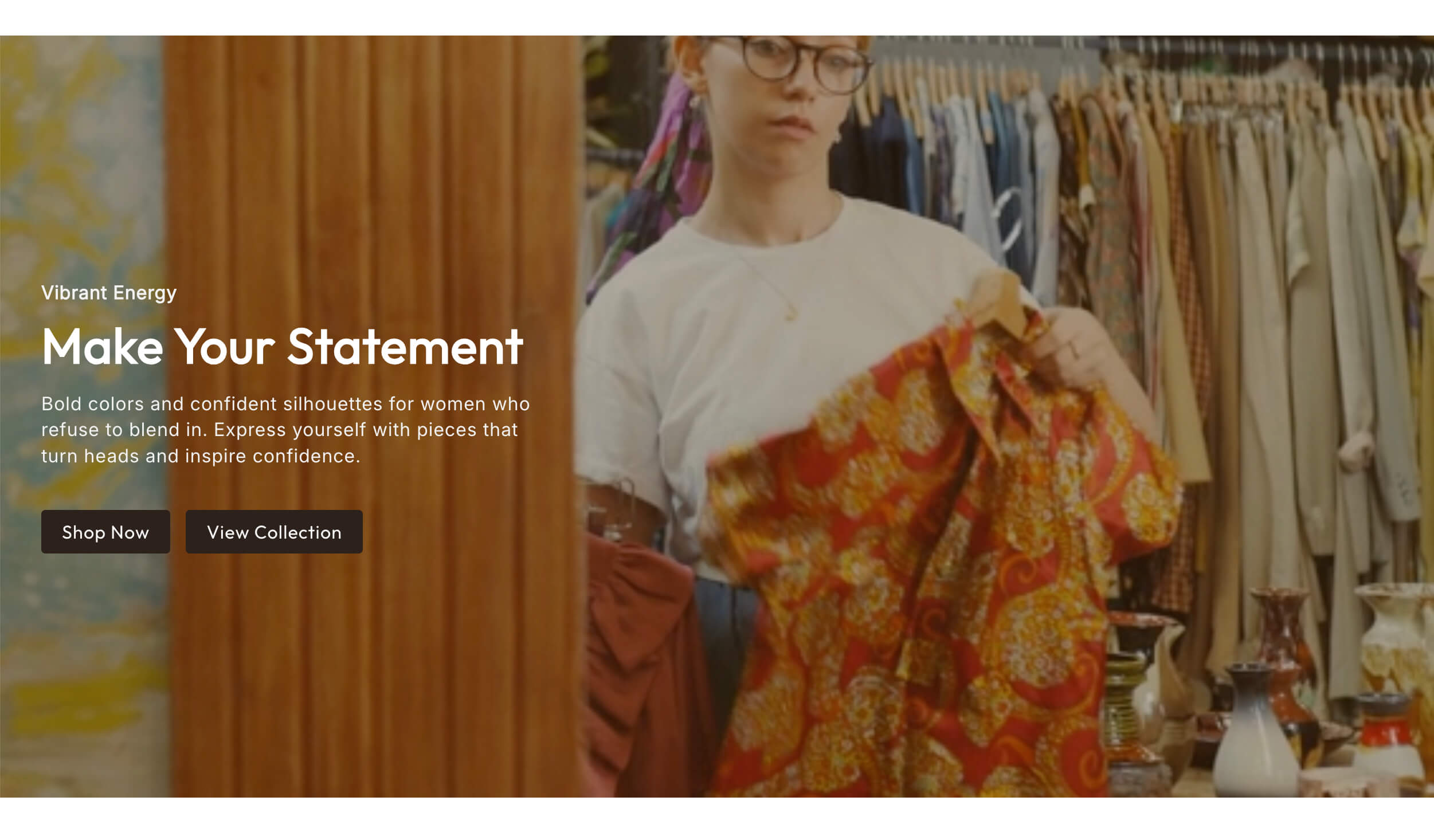
Video is the most oversold and most under used asset in ecommerce at the same time. Oversold, because plenty of stores drop an autoplaying background clip on the homepage, watch their load time double, and get nothing for it. Under used, because the one place video reliably earns its keep, showing the product in use, is often missing entirely.
The question is not whether to use video. It is where, and at what cost.
What video is actually good at
Video does one thing that photography and copy cannot. It shows how something behaves.

Scale, motion, texture, and fit are all things a shopper has to imagine from a still image. A three second clip of a bag being worn tells them more about the size than a spec line saying twelve inches wide. A jacket moving shows the drape. A skincare product being applied shows the texture. A tool being used shows what "easy to assemble" really means.
That is where video converts, because it removes an unknown. Every unknown you remove is a reason to hesitate that disappears.
Video is also good at compressing a complicated explanation. If your product needs thirty seconds of context before it makes sense, a clip does that faster than three paragraphs anyone will skim.
What video is bad at
Video is bad at being decoration.
A moody background clip on your homepage that shows nothing specific does not answer a question, does not show a product, and does not move anyone toward a purchase. It costs bandwidth and attention and returns atmosphere. Sometimes atmosphere is the point for a brand with real budget behind it. For most stores it is a very expensive way to look busy.
Video is also bad at holding attention it did not earn. Nobody arrives on your site wanting to watch a two minute brand film. Long video belongs on channels where people came to watch. On a product page, assume a few seconds of patience.
The cost, stated plainly
Every video on a page competes with the page loading.

Shopify's own guidance and years of ecommerce data point the same direction: slower pages convert worse, and the drop off is sharpest on mobile, where most of your traffic is. A heavy autoplaying hero video is one of the few single decisions that can measurably slow a page.
That does not mean avoid video. It means pay the cost where the return is highest, and refuse to pay it where the return is decoration.
A practical way to think about it: your first screen has a load budget. Spend it on the thing that makes the sale. If that is a video of the product working, spend it there. If it is a clear headline, a strong image, and a buy button, spend it there and put the video lower.
A quick tour of the video sections
Which one fits which job.
Hero Video puts a full width background video at the top of the page. Right when motion is the pitch, wrong when it is texture behind a headline.
Split Screen Video runs video on one half and text on the other. Good when the product needs a sentence of context alongside the demonstration.
Simple Video is a clean responsive video block you can drop anywhere. The workhorse. One clip, in the flow of the page, at the point the copy has earned it.
Video Cards present several clips as clickable cards. Use it for a set: how tos, testimonials, three use cases side by side.
Product Videos Carousel is a swipeable row of product videos across a collection. It belongs on a homepage or a collection page, where it turns a category of still images into something that moves. It is not a product page section.
Product Listing Video pairs product listings with video, so the grid itself has motion instead of being a wall of stills.
Multi Columns Video gives each column its own autoplay or hover clip. Good for a features row where each point is easier shown than described.
The one rule that matters across all of them: pick one per page. Three video sections stacked on the same page is how a fast store becomes a slow one.

Rules for using video without wrecking the page
Keep it short. Under fifteen seconds for anything that plays automatically, under sixty for anything a shopper chooses to play. Cut ruthlessly. The best product clip is usually the middle three seconds of the one you shot.
No sound by default. Autoplaying audio is the fastest way to make someone close a tab. Design every clip to work silently, which in practice means the visual has to carry it without narration.
Compress properly. Export at the size you actually display, not at 4K. Most product clips look fine at a fraction of the file size people ship them at. This single step often halves the cost of adding video.
Give it a poster image. A still frame shows instantly while the video loads, so the page never looks broken. On slow connections, plenty of shoppers will only ever see the poster, so pick a frame that stands on its own.
Lazy load anything below the fold. A video the shopper has not scrolled to should not be downloading yet.
Never let it push the buy button off screen. On mobile especially, check that adding the video did not bury the thing you want people to click.
Test on a phone on a real connection. Not your laptop on office wifi. Load the page on cellular data and see what the experience actually is.
Measure it like anything else
Add video to one product page, leave a comparable one alone, and compare conversion rate over a few weeks. Watch your page speed scores before and after. Watch your mobile bounce rate especially.
If conversion goes up and speed holds, roll it out. If speed drops and conversion does not move, you paid for atmosphere. That is a real answer and it is worth knowing.
The bottom line
Video earns its place when it shows something a photo cannot: how the product moves, fits, works, or feels. It costs you load time, so spend that budget on the clip that removes a real doubt, and skip the one that just sets a mood. Keep it short, silent, compressed, and below the fold unless motion is genuinely the pitch.
If you want video sections that install into your theme without adding another app to the stack, the Abra section library includes hero video, video cards, and product video carousels that stay on brand and stay light.
Frequently asked questions
Does a background video hurt Shopify page speed? It can, significantly, especially on mobile. A large autoplaying video in the hero competes with everything else the page needs to load first. If you use one, compress it hard, keep it under fifteen seconds, add a poster image, and test the page on cellular data rather than office wifi.
Where should product video go on a product page? Near the image gallery or directly below it, so it sits inside the moment the shopper is evaluating the product. Short clips showing fit, scale, texture or use are the ones that move the needle. Keep them out of the way of the add to cart button.
Should product videos autoplay? Below the fold, yes, muted and short, so the shopper sees motion as they scroll. Above the fold, only if the video is genuinely the pitch. Never with sound, and never as the only way to get key information, since plenty of shoppers will never watch it.